StackLite Proximity Alert System

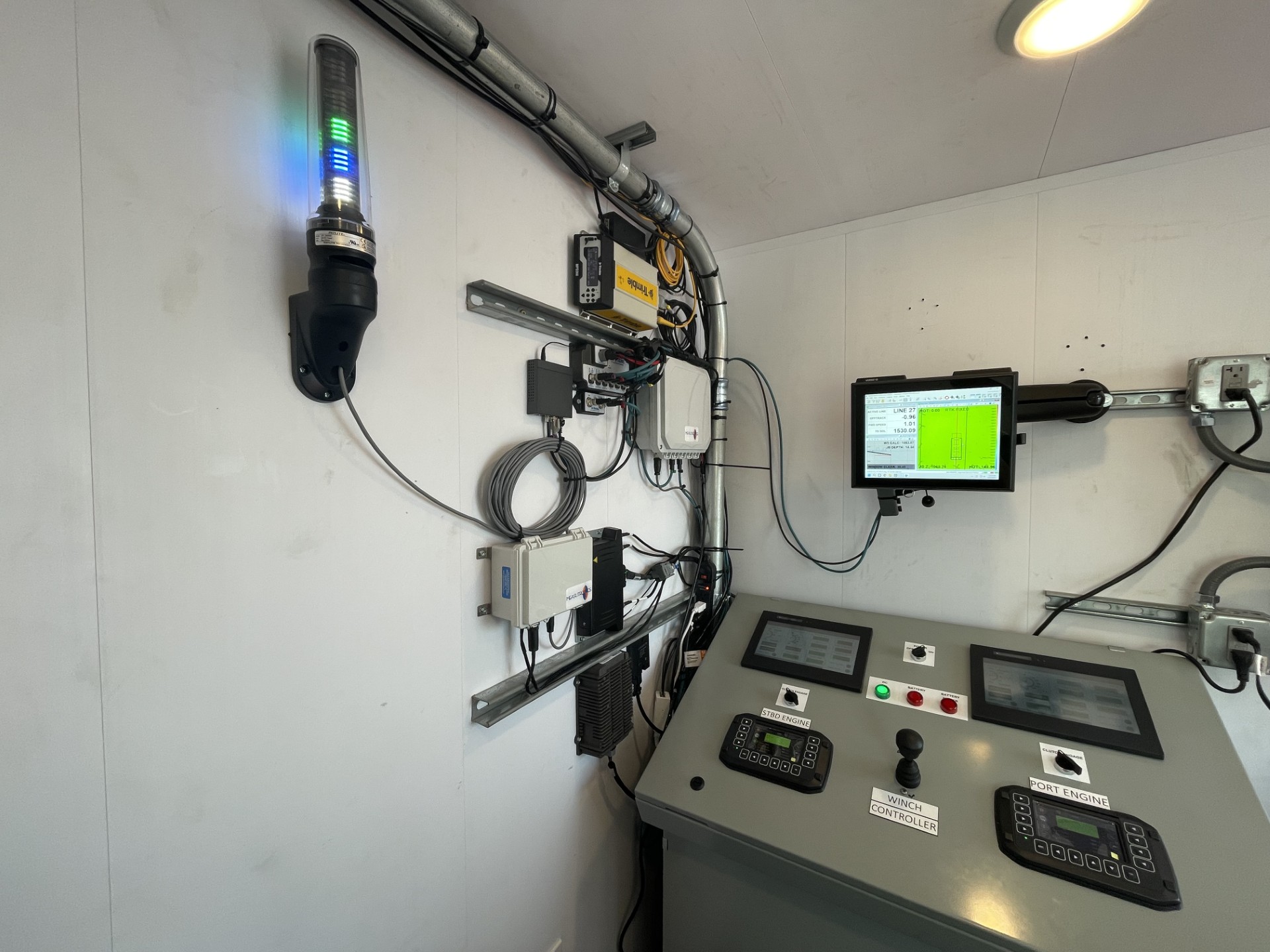
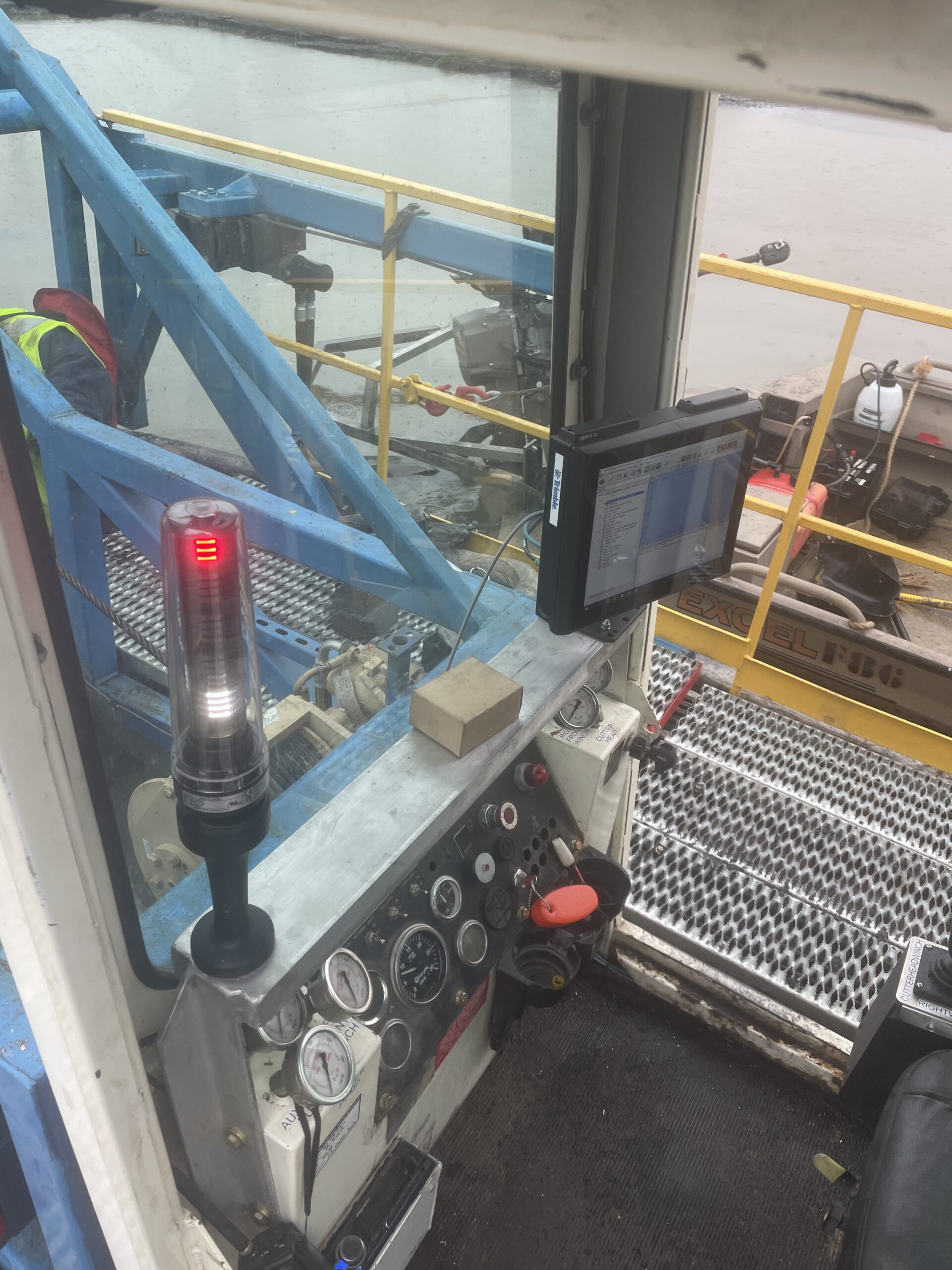
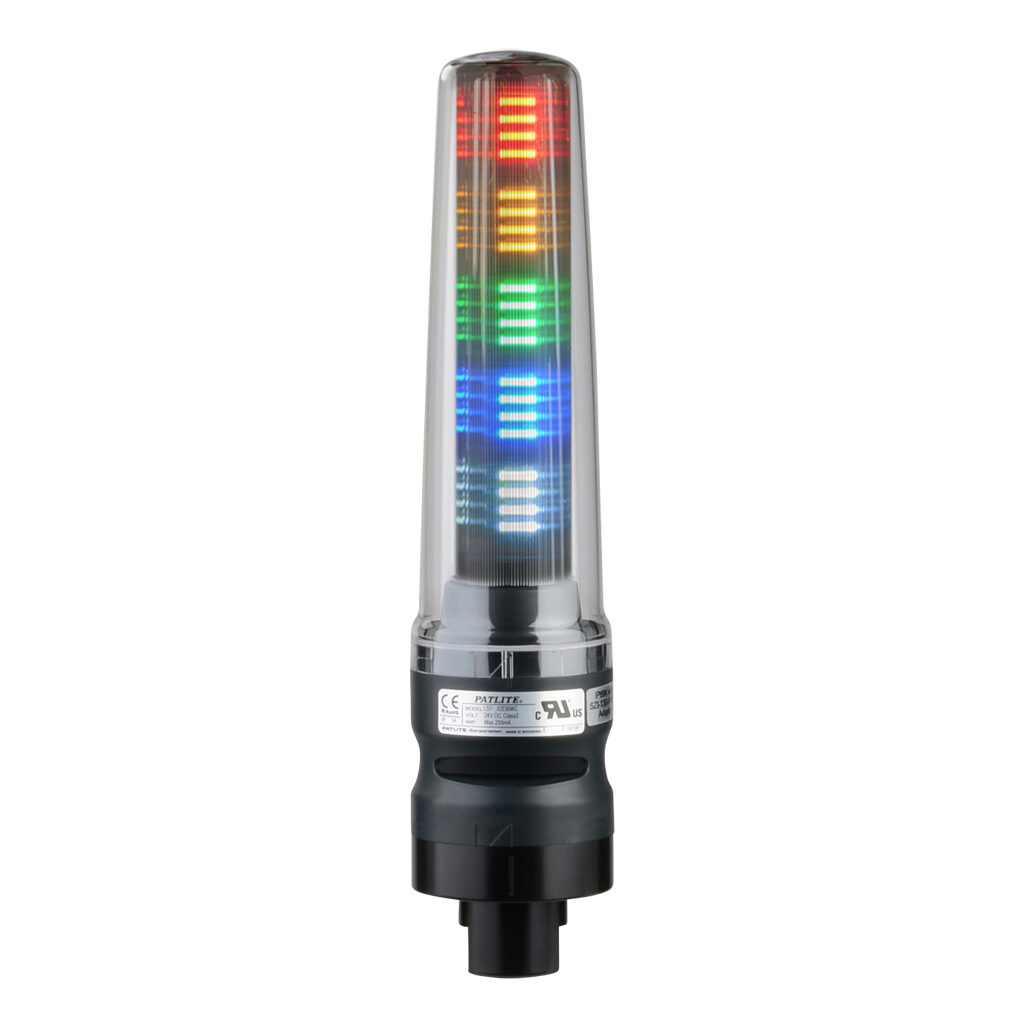
StackLite is a proximity alert add-on for Trimble Marine Construction (TMC) that warns operators when their machine gets too close to a buried pipeline, cable, or other hazard. You set the distances. StackLite handles the warning with a tower light the operator can see without looking at the screen, plus an audible alarm when the limit is reached.
It works with any machine running TMC, from cutter suction dredges to clamshell cranes and marine excavators.

Request a Demo
stacklite with lights

Hazards You Can’t See Need Warnings You Can’t Miss

Keeping channels at depth means dredgers have to dig deeper and deeper. That pushes cutterheads, buckets, and clamshells closer to pipelines, power lines, and fiber optic cables that used to sit under a protective layer of material. Some of those hazards are mapped. Some aren’t. And a strike underwater costs more and can put crews at risk.
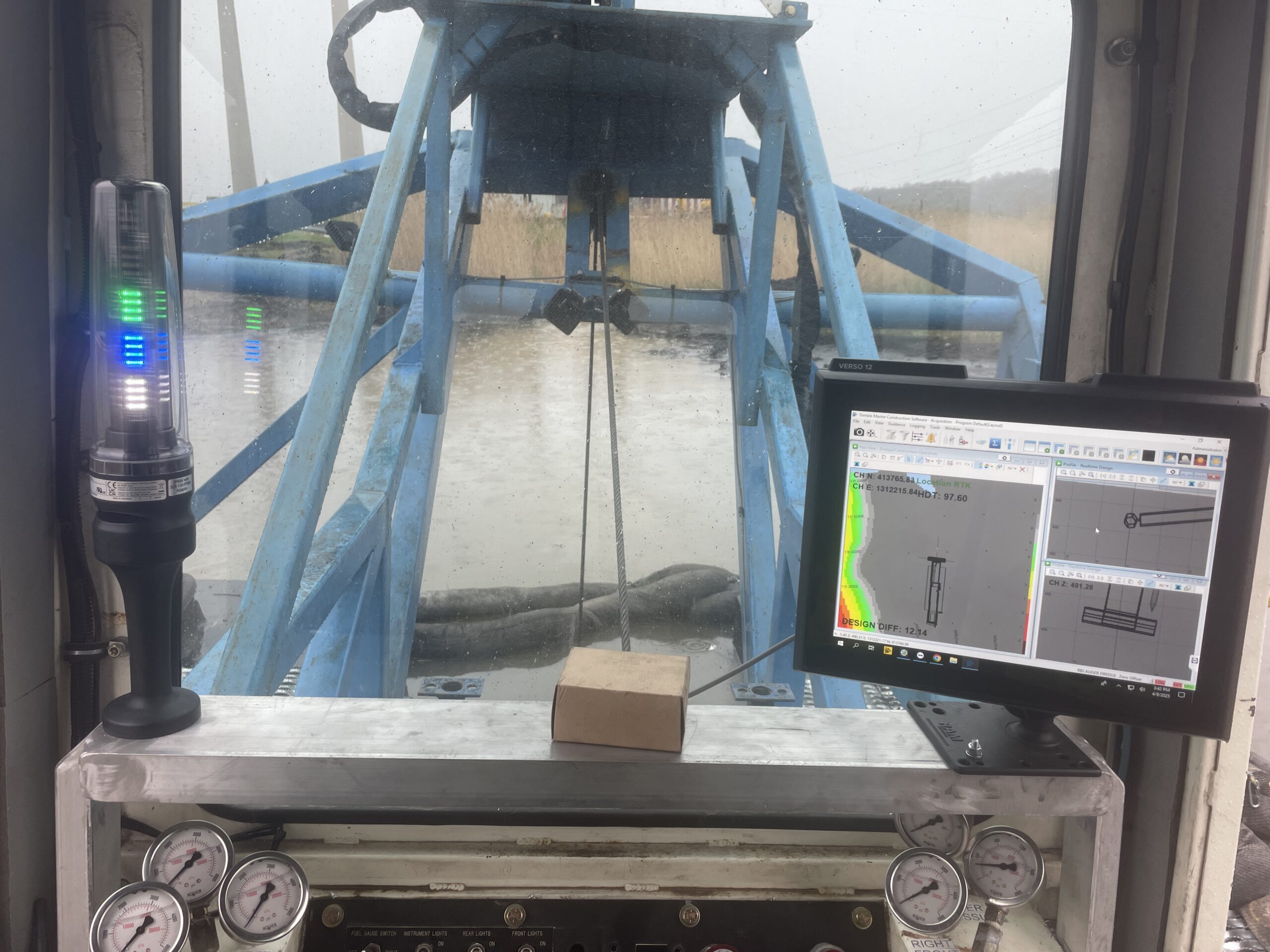
TMC can already show restricted areas on screen and the distance to them. The catch is that an on-screen warning only helps if the operator is looking at it. StackLite puts the warning where the operator will notice it: a bright, color-coded light and an alarm they can hear.

How It Works

Step 1

TMC provides positioning and guidance. TMC tracks your machine's position in real time, including its working parts like the boom, bucket, or cutterhead.

Step 2

StackLite applies your rules. You set the proximity limits, and StackLite checks the machine's position against them continuously.

Step 3

Operators get alerted. The light shifts from green to yellow to red as the machine closes in. At your set limit, it beeps to tell the operator to stop. Design note: Use the navy background and orange arrows from the flyer if the block allows it. Keep step headlines short so they sit on one or two lines on mobile.

Why StackLite?

icon with gears with arrow above

Built to Enhance TMC:

An add-on that gets more out of the TMC guidance you already use

equipment icon

Machine Agnostic:

Works with any machine brand or type running TMC, from excavators to dredges

trapezoid with arrows

User-Defined Proximity Limits:

Set your own distances and get alerted as the machine approaches them

transparent cube

3D Hazard Rendering:

Treats your machine as a 3D object, so you know how close every side is to the hazard

Exclamation Indicator Icon

Visual and Audible Alerts:

Green, yellow, then red as you get closer, with an alarm at your set limit

Anchor icon

Tracks More Than the Bucket:

Alerts can also cover spuds, anchors, anchor lines, and more

Contact Us!

Ready to Add StackLite to Your TMC System?

Tell us about your machines and the hazards on your site, and we’ll show you how StackLite fits. Contact us for a demo or quote.

Contact us online for a consultation or demo.